 Metronome & Recorder
Free iPhone app for musicians
Hear the click in your AirPods. Record with your iPhone.
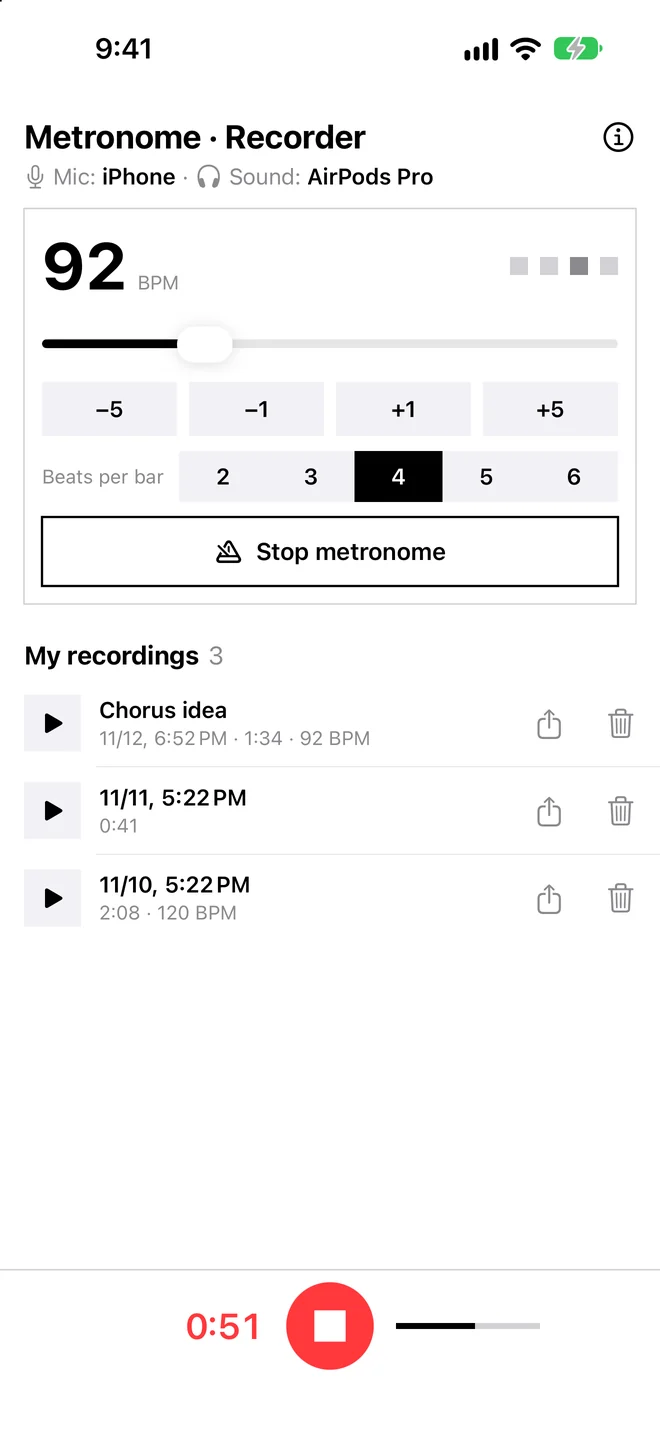
Metronome & Recorder puts a metronome and a recorder on one screen. With earbuds connected, the click stays in your ears and the iPhone's own microphone records your playing in full quality — so the click is not in your take.
Mic: iPhone · Sound: AirPods Pro
Free · iPhone · iOS 16 or later · No account
Why recordings sound thin with AirPods connected
When Bluetooth earbuds are connected and an app starts recording, iPhone usually switches to the earbuds' headset microphone. That mode is made for phone calls, so both what you hear and what you record drop to call quality.
Usual way
- Records through the earbud microphone
- Call-quality sound for listening and recording
- Your guitar, piano or voice sounds thin and far away
Metronome & Recorder
- The click plays in your AirPods at full quality
- Records with the iPhone's built-in mic (AAC, 48 kHz)
- The take has only your playing — no click
Everything for a practice take, nothing else
One screen. No sign-up. Works offline.
Metronome
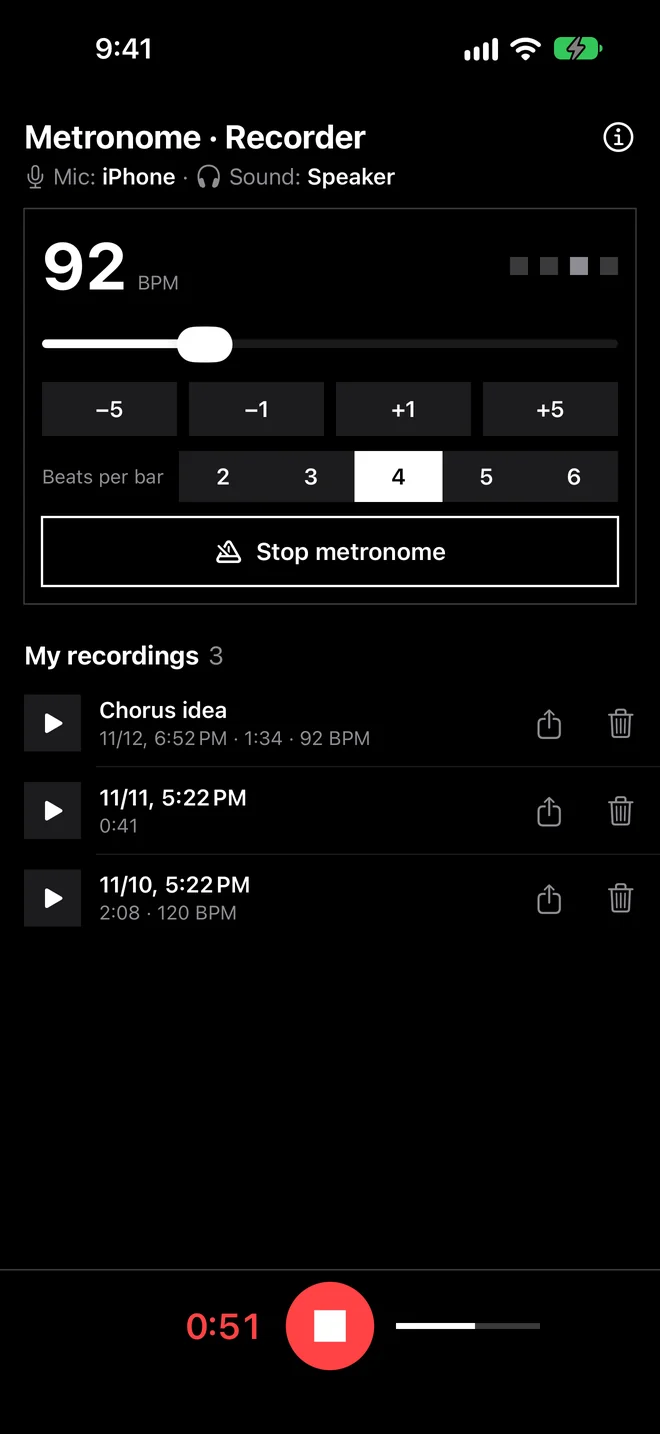
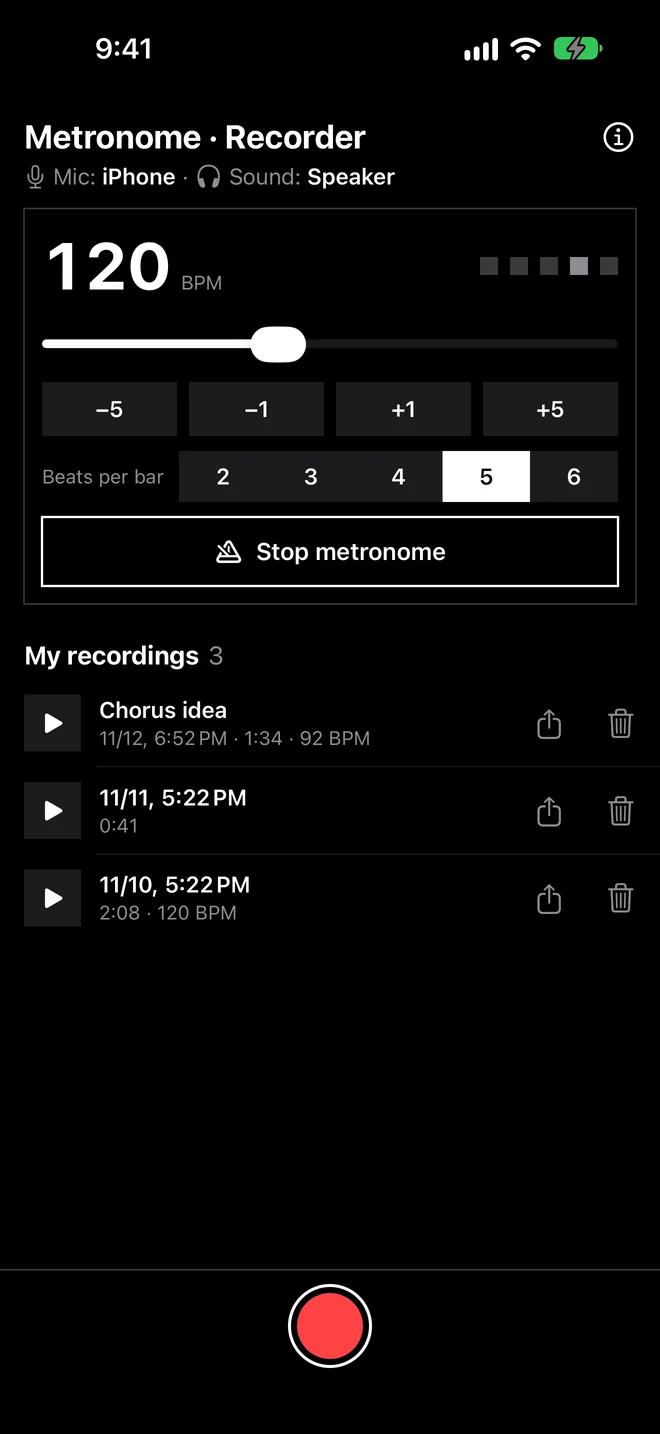
- 40–240 BPM — slider or −5 / −1 / +1 / +5
- 2, 3, 4, 5 or 6 beats per bar, accented downbeat
- Keeps going with the screen off
Recorder
- One tap, with or without the click
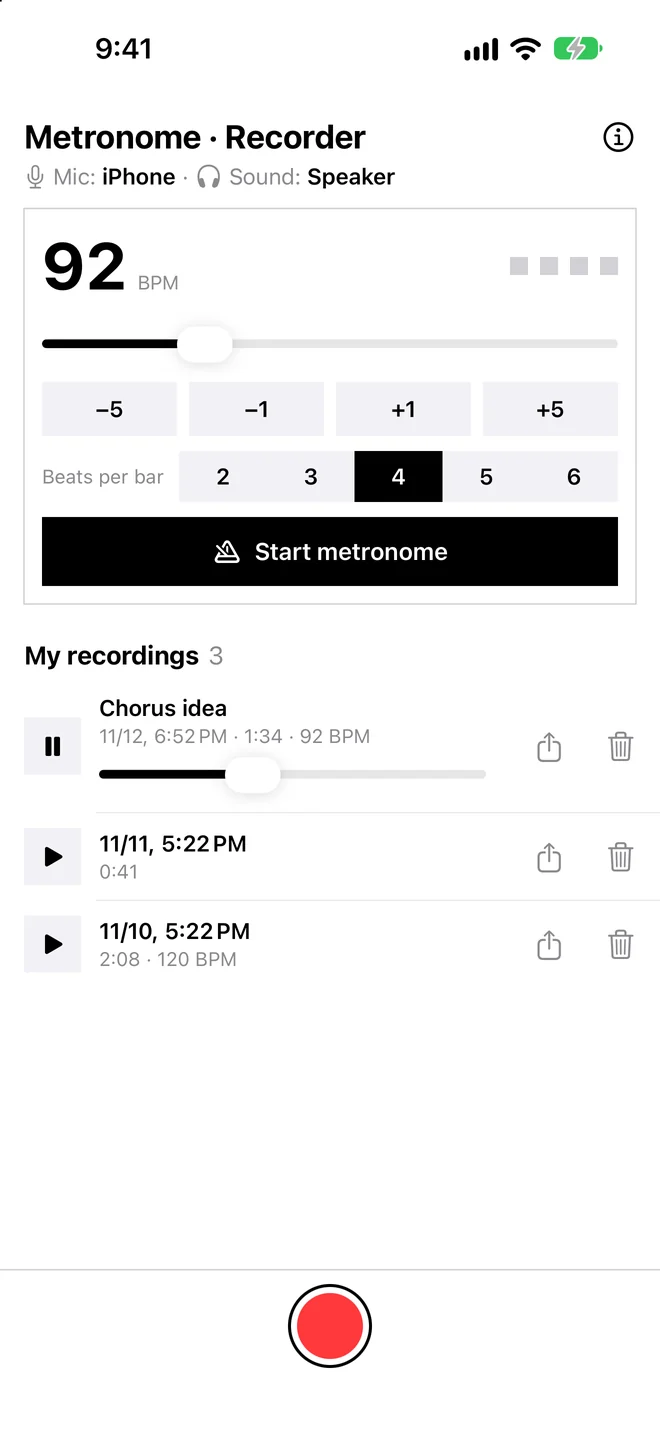
- Play back, scrub, rename and share takes
- Each take remembers its tempo
Private
- Recordings stay on your phone
- Never uploaded, no account
- Shows where sound goes: mic and output
How to record with a metronome in your ears
Takes about ten seconds. Read the full guide →
- Connect your earbudsAirPods or any Bluetooth or wired earphones.
- Start the metronomeSet the tempo and beats per bar. The top line should read "Mic: iPhone".
- Tap the red buttonPlay. Tap again to stop, then listen back or share.
Screens
Questions
How do I record myself while listening to a metronome on iPhone?
Connect your earbuds, open Metronome & Recorder, start the metronome and tap the red record button. The click plays in your earbuds and the iPhone's built-in microphone records your playing.
Will the metronome click be in my recording?
Not when you listen on earbuds — only your playing is recorded. If the metronome plays through the phone speaker, the clicks are recorded too, which is handy for checking your timing later.
Why do recordings sound bad when AirPods are connected?
Most recording apps switch to the earbuds' headset microphone, a call-quality mode made for phone calls. Metronome & Recorder keeps recording with the iPhone's built-in mic, so the take stays in full quality while the click plays in your AirPods.
Does it work with wired earphones or other earbuds?
Yes. With AirPods, other Bluetooth earbuds or wired earphones, the click goes to your ears and the iPhone's built-in mic records. The top of the screen shows the current mic and output.
Is it free?
Yes. A small banner ad keeps it free. There is no account and no subscription.
Where are my recordings saved?
Only inside the app on your iPhone — they are never uploaded. Use the share button next to a take to save it to Files or send it. Each take is an AAC (.m4a) file.
Does it keep running with the screen off?
Yes. The metronome and recording continue when the screen locks or you switch apps. If a call comes in, the recording so far is saved and the metronome stops.
Practice with the click. Keep it out of the take.
Free on the App Store for iPhone.
Download on the App Store